
5 Smart Ways Seniors Can Use Technology to Make Life Easier
5 Smart Ways Seniors Can Use Technology to Make Daily Life Easier
Technology can make everyday life safer, more convenient, and more enjoyable for older adults. This article introduces five practical, easy-to-adopt ways seniors can use modern tools — from voice assistants to wearables — with step-by-step examples and friendly tips. Whether you’re helping a parent or learning for yourself, these ideas are designed to be simple and useful.
1. Use Voice Assistants for Hands-Free Help
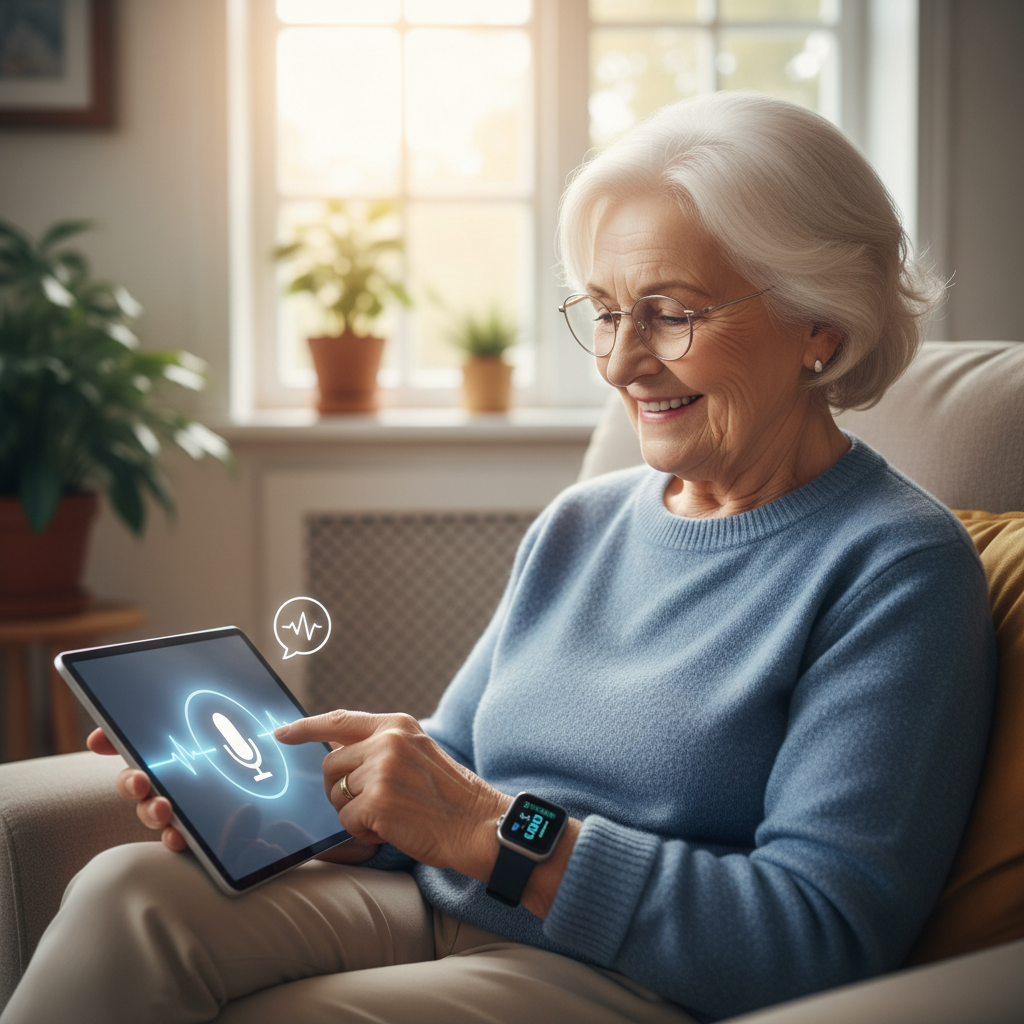
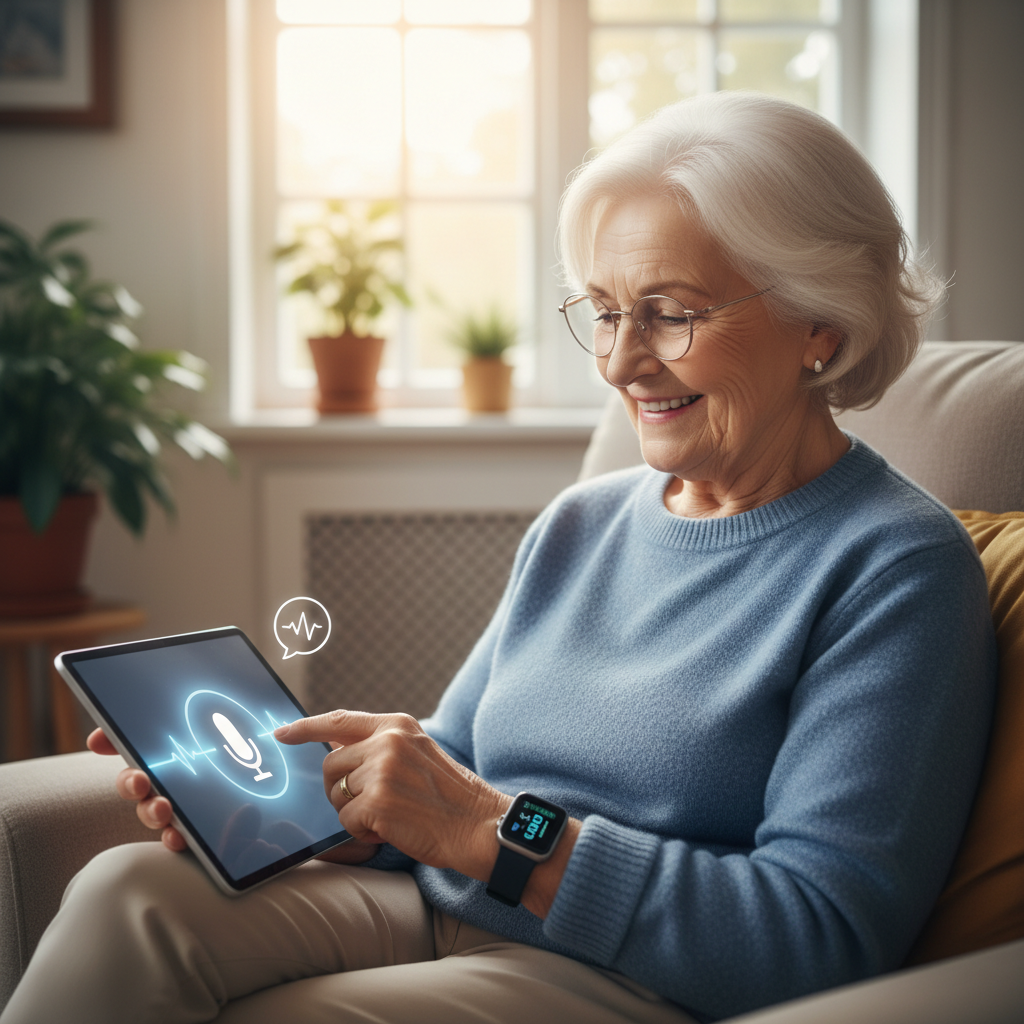
Voice assistants (like Amazon Alexa or Google Assistant) let you do many tasks without touching a screen. Say aloud to set reminders, hear the news, or call a family member. For someone with limited mobility or vision, this is an immediate, helpful change.

Practical examples
- Set a spoken reminder: “Hey Google, remind me to take my medication at 9 a.m.”
- Make quick phone calls: “Alexa, call Mary.”
- Ask for weather and calendar events before leaving the house.
Quick setup tips
Place the device in a central room, connect it to Wi‑Fi, and link a family member’s number for easy calling. Teach a short set of voice commands and write them on a card near the device.

2. Simplified Smartphones and Tablets
Modern phones and tablets include accessibility features that make them easier to use: larger text, higher-contrast displays, and simplified home screens. Many manufacturers also offer “senior modes” or simplified apps.

Practical examples
- Increase font size and enable bold text for easier reading.
- Create a home screen with just a few icons: Phone, Messages, Video Call, and Photos.
- Use the SOS or emergency feature that shares location with trusted contacts.
3. Smart Medication Reminders and Dispensers
Missing doses is a common worry. A combination of apps and simple smart dispensers can help by providing alarms, locking boxes, or automatic dose release. Many apps will also let a caregiver check adherence remotely.
Practical examples
- Medication app: enter dose times and receive phone alerts.
- Smart dispenser: pre-load a week of pills; the device beeps and opens the correct compartment.
- Weekly email or text reports to a family member confirming doses were taken.
4. Smart Home Devices for Safety and Comfort
Small devices can reduce daily effort and increase safety: smart lights that turn on automatically, smart thermostats that keep rooms comfortable, and motion sensors that alert caregivers to unusual activity.

Practical examples
- Program lights to come on at dusk or when motion is detected in a hallway.
- Set the thermostat to a comfortable temperature schedule so the house is warm in the morning.
- Install night-lights or smart plugs to reduce fall risk and make appliances safer.
What to watch for on labels
When buying smart home gear you may encounter small product or part numbers like 490, 447, 491, 466, 492, or 276 on packaging or in manuals. These usually identify models or components and aren’t important for day-to-day use — but keep the model number handy in case you need support.

5. Wearables and Telehealth for Health Monitoring
Wearable devices (watches and bands) can track steps, heart rate, sleep, and even detect falls. Telehealth services let you speak to clinicians from home through video. Together, these tools can help manage chronic conditions and reduce unnecessary travel.
Practical examples
- Wear a simple tracker that will alert a caregiver if a fall is detected.
- Use blood-pressure or glucose monitors that send readings to your doctor before an appointment.
- Schedule a virtual visit for routine follow-ups to save time and energy.
Security and Practical Tips for Getting Started
Before you add devices, take a few safety steps: keep software updated, choose strong passwords (or use a password manager), and limit who can access accounts. Start with one new tool — practice it for a week — then add another. Patience and small goals help build confidence.
Support ideas
- Ask a tech-savvy friend or family member to set things up and create a one-page cheat sheet.
- Look for local community centers or libraries that offer beginner tech classes for older adults.
- Label chargers and devices so they’re easy to find and match.
Technology doesn’t have to be complicated. With a few simple choices and clear instructions, seniors can use voice tools, simplified devices, medication helpers, smart home gadgets, and wearables to make daily life easier, safer, and more connected.