

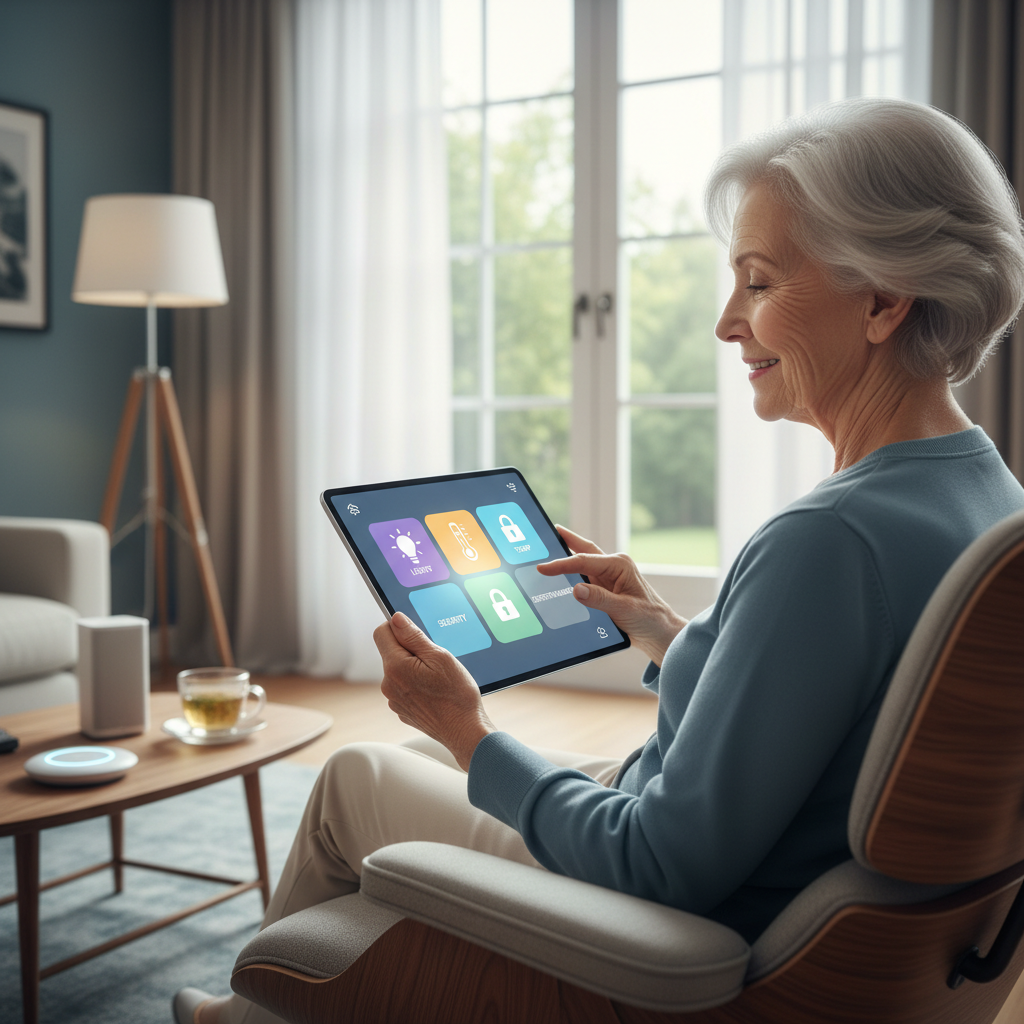
How Smart Homes Help Seniors Live Safer, More Independently
How Smart Homes Help Seniors Live Safer, More Independently
Smart-home technology can make daily life easier and safer for older adults without taking away independence. This article explains practical, simple ways smart lighting, voice assistants, door alerts, smart thermostats, and other connected devices can support seniors and their families. We’ll use clear examples, show small steps you can take, and highlight privacy and safety considerations.
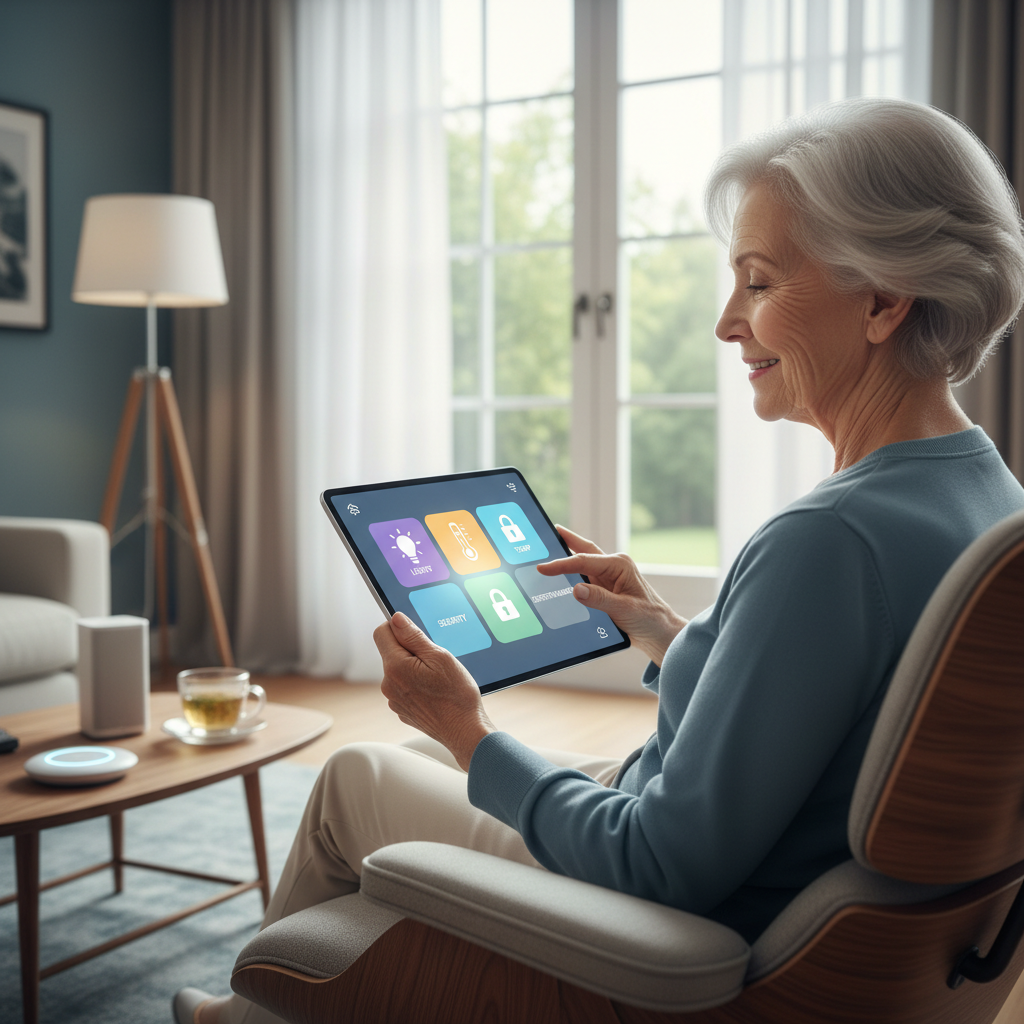
Why smart homes for seniors make sense
Smart-home features are designed to automate routine tasks, reduce physical strain, and alert caregivers when something seems off. They don’t replace human care, but they can reduce everyday friction—like fumbling for a light switch at night or managing confusing thermostats—so older adults can stay in their homes longer and with more confidence.

Key smart-home features and how they help
Smart lighting
Smart bulbs and motion-activated lights improve visibility and reduce trip hazards. You can set lights to turn on automatically in hallways at night, brighten gradually in the morning, or activate with a motion sensor by the bathroom. Simple routines prevent falls and make it easier to move around independently.

Voice assistants
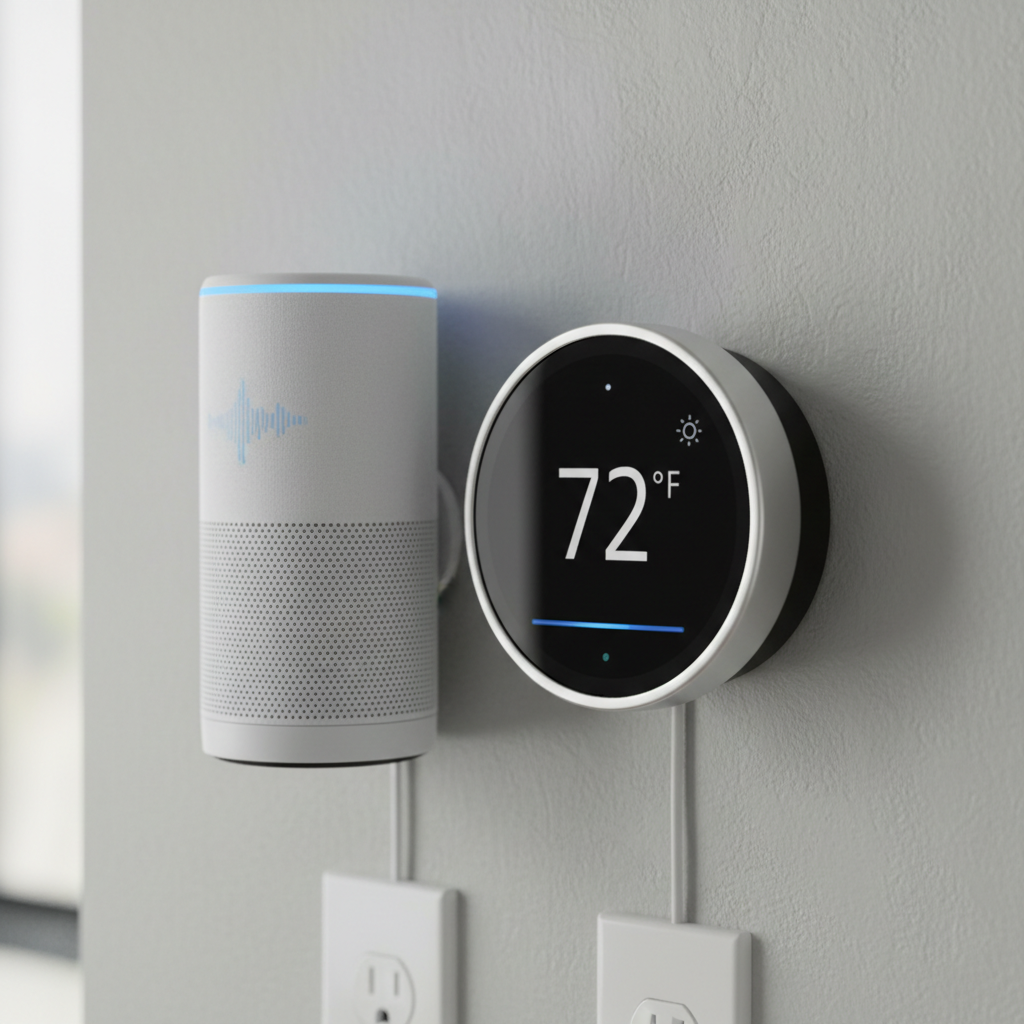
Voice-controlled devices let seniors do things hands-free: make calls, set reminders for medications, control lights, or ask for information. For people with limited mobility or vision challenges, saying “turn on the light” or “call my daughter” can be easier than finding a phone or switch.

Door and entry alerts
Smart doorbells, contact sensors, and cameras give visibility into who’s at the door and send alerts if an exterior door opens unexpectedly. These systems can be set to notify a family member or caregiver, which adds peace of mind without constant monitoring.
Smart thermostats
Smart thermostats simplify temperature control and can maintain consistent comfort to avoid extremes. Some offer scheduling, remote access, and energy-saving modes. Alerts can also be set if the home gets unusually cold or hot—useful for seniors who might not notice temperature changes quickly.

Connected home devices and sensors
Other helpful tools include leak detectors, fall detectors, and smart plugs that monitor appliance use. These devices can be combined into simple routines—for example, turning off the stove if it’s been left on too long or alerting someone if a water leak is detected.

Manufacturers sometimes label devices with model codes; if you’re checking compatibility or shopping, you might see examples like 447, 493, 494, 495, 446 on product pages or in manuals.
Practical setup tips for families and seniors
- Start small: pick one or two devices—like a smart bulb and a voice assistant—and get comfortable before adding more.
- Keep interfaces simple: use routines and presets with clear names (e.g., “Night Hallway”) to avoid confusion.
- Document access: write down usernames and passwords in a secure place and share access settings with a trusted family member or caregiver.
- Test alerts: make sure notifications go to the intended phone or email and that everyone knows what an alert means.
- Use local control where possible: devices that work on a local network can operate even if the internet is slow or temporarily down.
Safety, privacy, and realistic expectations
Smart-home tools can reduce certain risks but they are not medical devices and do not replace emergency services or professional care. When choosing products, look for reputable brands, clear privacy policies, and the option to control what data is shared. Limit always-on listening or cloud storage if privacy is a concern, and use device settings to manage who receives alerts.
Cost and accessibility considerations
Many useful smart-home upgrades are affordable: motion bulbs, smart plugs, and basic door sensors cost far less than major renovations. Community programs, veteran benefits, or local aging services sometimes offer assessments and funding help—ask local agencies about options to support smart-home investments.
Getting started: a simple plan
- Identify one daily challenge (e.g., getting up at night, managing heat).
- Choose one device to address it (motion light, smart thermostat).
- Set up with a family member or technician and create one clear routine.
- Check in weekly for a month and adjust settings as needed.
Conclusion
Smart homes for seniors offer practical tools that support safer, more independent living when used thoughtfully. Start with simple, proven features—smart lighting, voice assistants, door alerts, and thermostats—and prioritize privacy and ease of use. With a gradual approach and clear communication between seniors and their families, small smart-home steps can bring real day-to-day benefits without overpromising what technology can do.
