

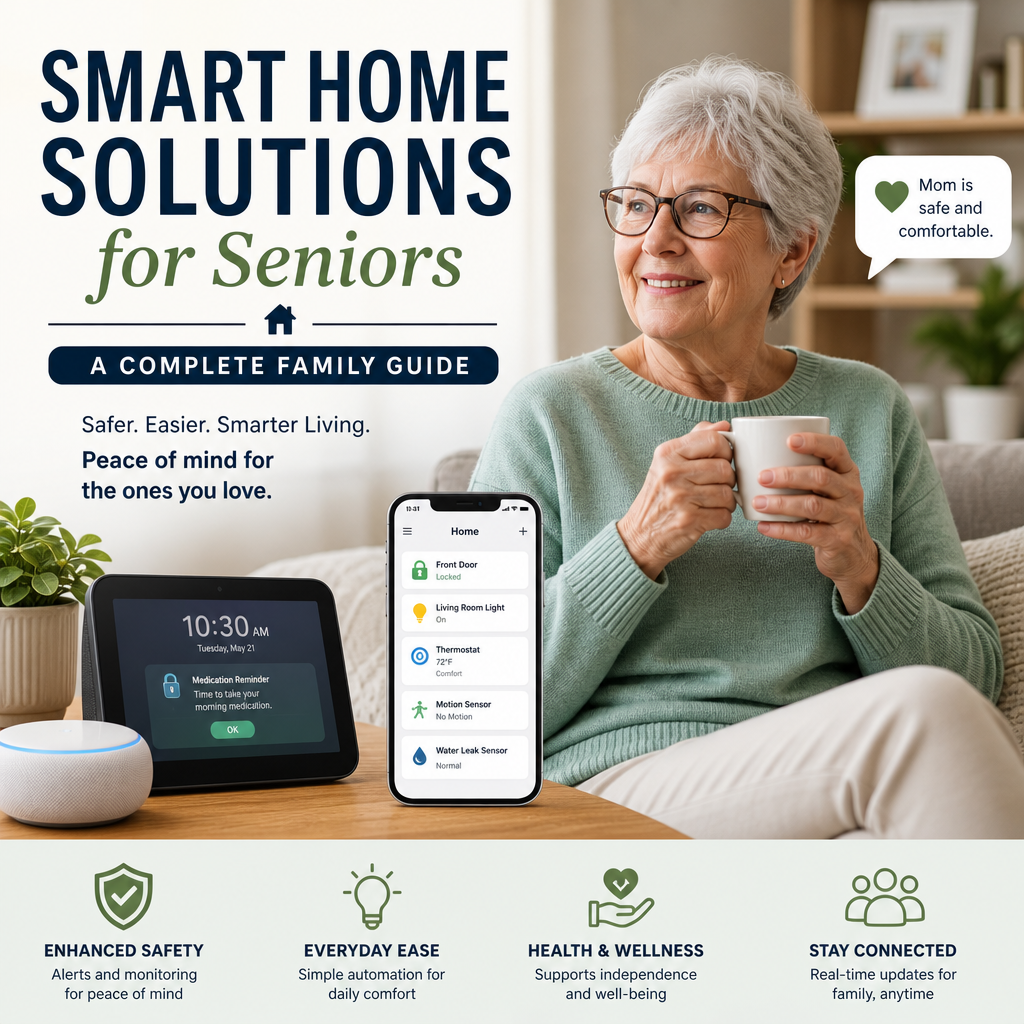
Smart Home Solutions for Seniors: A Complete Family Guide
Smart Home Solutions for Seniors: A Complete Family Guide
A well-designed smart home can help older adults stay comfortable, independent, and connected. It can also give family members greater peace of mind. The best setup is not necessarily the one with the most devices—it is the one that addresses a person’s real needs without making daily life more complicated.
This guide explains how families can choose and introduce smart home solutions for seniors, from voice assistants to safety sensors.

Start With Everyday Needs
Before buying anything, talk with the older adult about what would make home life easier. Consider mobility, vision, hearing, memory, and comfort with technology. A device that solves a genuine daily problem is more useful than a collection of features no one uses.

Look for common challenges, such as:

- Reaching light switches or adjusting the thermostat
- Remembering medications or appointments
- Hearing the doorbell or phone
- Getting help quickly after a fall or other emergency
- Managing lights, locks, or appliances safely
Whenever possible, involve the person who will use the system in choosing and testing it. Their preferences and consent matter.
Useful Smart Home Options
Voice Assistants and Smart Speakers
Voice-controlled assistants can help users set reminders, check the weather, make calls, play music, or control compatible lights and thermostats. They can be especially helpful for people who have difficulty using small buttons or moving around the home.

Choose a device with clear sound and simple controls. Test how well it understands the user’s voice, and keep a written list of useful commands nearby. Voice technology can misunderstand instructions, so it should not be the only way to call for help.

Smart Lighting
Smart bulbs, switches, and motion-activated lights can reduce the need to walk through dark rooms. Families can set lights to turn on at particular times or when someone enters a hallway. Night-lights near the bathroom and bedroom may be a simple, affordable place to start.
Check that switches remain easy to use manually. A smart bulb may stop responding if someone turns off its wall switch, so the setup should match the person’s habits.
Medication and Routine Reminders
A smart speaker, phone, or dedicated medication dispenser can provide scheduled reminders. Some dispensers also organize doses and notify a caregiver if a dose is missed.
Reminders can support a routine, but they do not guarantee that medication was taken correctly. Follow the device instructions, review alerts, and consult a healthcare professional about medication-management concerns.
Emergency and Fall-Detection Devices
Wearable alert buttons and fall-detection devices can connect users with a monitoring service or designated contacts. Some smartwatches offer emergency calling and location sharing, though features vary by model and may require a subscription.
Discuss what happens after an alert is triggered. Confirm who receives it, whether the service is monitored around the clock, and how the device works if it is not worn or its battery is depleted.
Smart Locks, Doorbells, and Sensors
Video doorbells can help users see who is outside before opening the door. Smart locks may allow trusted family members to enter when needed, while door or motion sensors can send notifications about activity.
These tools can support safety, but they also raise privacy questions. Agree on who can view video, receive alerts, or use digital access codes—and review those permissions regularly.
Plan for Reliability and Privacy
Smart devices depend on power, internet access, batteries, and compatible software. Before relying on a system, test it during normal use and make a backup plan for outages. Keep essential controls accessible without a smartphone, and label chargers or provide a simple charging routine.
Secure the home network with strong, unique passwords and two-factor authentication where available. Review privacy settings, disable features that are not needed, and explain what information a device collects. Avoid placing cameras in private spaces.
Introduce Technology Gradually
A gradual setup is often easier to learn and troubleshoot. Start with one or two high-value devices, such as voice-controlled lighting or a medication reminder. Demonstrate each feature in a calm setting, then let the older adult practice independently.
Create a short, large-print instruction sheet with basic steps and a contact for help. Check in after a week or two: Is the device useful? Is it frustrating? Does it need a different setting or location?
Build a Supportive, Flexible Home
Smart home solutions for seniors work best as part of a broader plan that includes accessible home design, regular communication, and appropriate human support. Technology can make routines easier and provide useful alerts, but it cannot replace personal care or guarantee safety.
Start with the older adult’s priorities, choose reliable tools, and adjust the setup over time. A simple system that fits comfortably into daily life can help make home more manageable while preserving independence and choice.
