

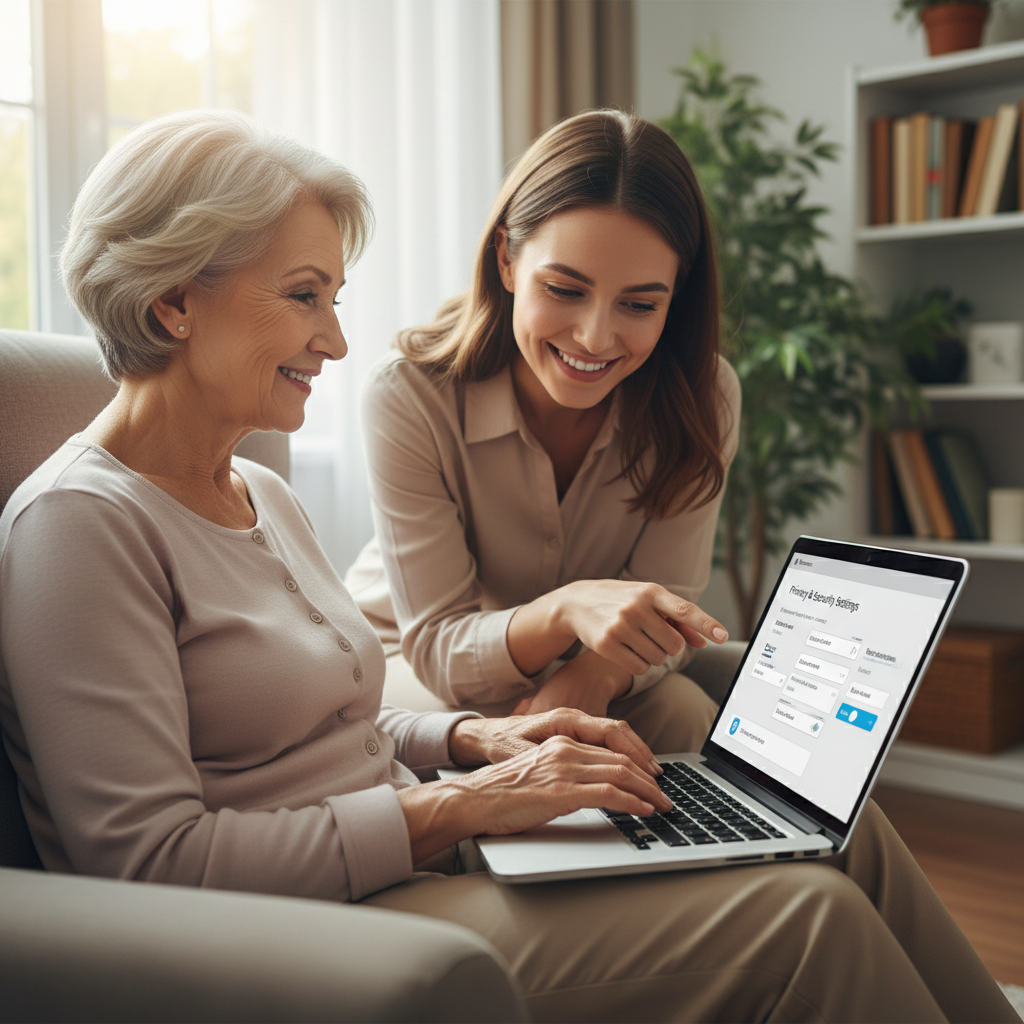
How Seniors Can Protect Their Personal Information Online
How Seniors Can Protect Their Personal Information Online
Keeping personal information safe online is important for everyone — and there are simple, practical steps seniors can take today. This article explains friendly, easy-to-follow actions you can use to protect your identity, accounts, and privacy while using email, social media, banking sites, and video chat.
Start with strong, memorable passwords
Weak passwords are one of the most common ways accounts get compromised. But strong passwords don’t have to be hard to remember.

- Use a unique password for each important account (email, bank, social security, health portal).
- Create a passphrase made of three unrelated words plus a number or special character — for example, “GardenApple7Car” — and avoid obvious personal details like birthdays or pet names.
- If managing many passwords feels overwhelming, consider a reputable password manager. It stores complex passwords and fills them for you so you only need to remember one master password.
Turn on two-factor authentication (2FA)
Two-factor authentication adds a second step when logging in. Even if someone knows your password, they usually can’t get in without the second factor.

Common options:

- Text message codes (SMS) — easy but slightly less secure.
- Authenticator apps — more secure and simple to use after setup.
- Phone call verification — useful if you prefer speaking with a device.
Action: Turn on 2FA for your email and bank accounts today. There is usually an option under “Security” or “Account Settings.” Ask a trusted friend or family member to help the first time.
Recognize and avoid common scams
Scammers use email, phone calls, and text messages to try to trick people into giving personal details. You can stop many scams by following a few simple rules:

- If a call, email, or text asks for personal details (Social Security number, passwords, or bank account numbers), do not give them. Instead, hang up and call the company using a number you know is correct.
- Be cautious with links. If an email asks you to “click here” to log in, open a fresh browser window and type the company’s official website address yourself.
- Trust your instincts. If something feels urgent or pressuring, take a break and verify independently.
Protect your devices and privacy settings
Keeping devices updated and adjusting privacy settings reduces the chance of unwanted access.

- Install updates for your computer, tablet, and smartphone when they become available. Updates fix security problems and improve safety.
- Use antivirus or security software and run scans occasionally.
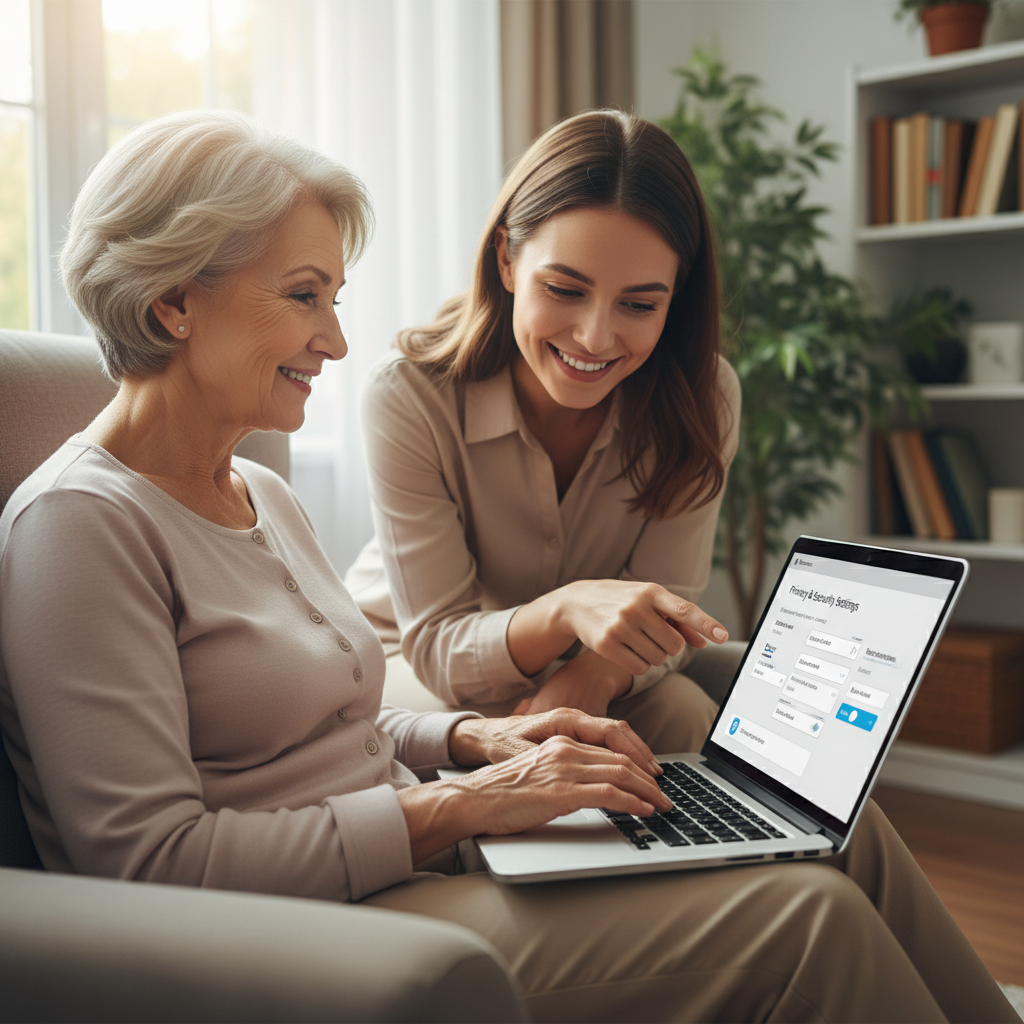
- Review privacy settings on social media. Limit what strangers can see and avoid posting sensitive details like full birthdates, home addresses, or travel plans.
Be careful on public Wi‑Fi and when sharing information
Public Wi‑Fi at coffee shops, libraries, or hotels can be convenient but sometimes risky.
- Avoid doing banking or entering passwords on public Wi‑Fi. If you must, use your phone’s mobile hotspot or wait until you’re on a trusted network.
- When asked for personal information in stores or over the phone, check why it’s needed and how it will be protected.
Keep records and know where to get help
Quick action makes a big difference if something goes wrong.
- Keep a list of the accounts you use and the recovery methods (email, phone number) tied to them. Store this list in a safe place.
- Monitor bank and credit card statements regularly and report unfamiliar charges right away.
- Ask a trusted family member, friend, or local community center for help setting up security features and explaining suspicious messages.
Simple daily habits that add up
Small, consistent habits protect you over time. Try these:
- Use unique passwords and 2FA for important accounts.
- Pause before clicking links or answering unknown calls.
- Keep devices updated and back up important photos and documents.
- Share less personal information online and review social media privacy.
Protecting personal information online doesn’t require technical expertise — just a few steady habits and a little caution. If you’re unsure about a message or a setting, ask for help. With simple steps and trusted support, you can use the internet safely and confidently.