
Best AI Tools for Seniors and Caregivers in 2026
The Best AI Tools for Seniors and Caregivers in 2026
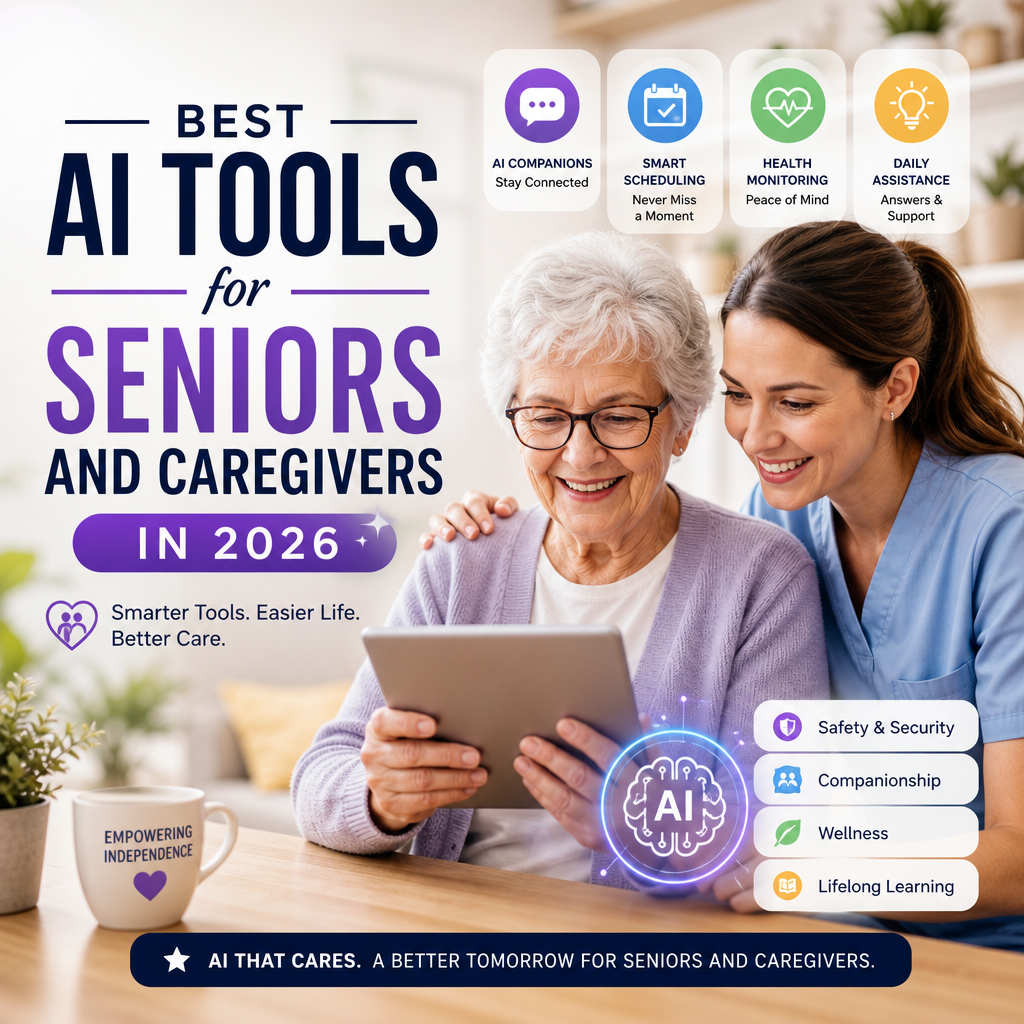
AI can make everyday tasks easier, from reading a confusing letter to organizing care appointments. The best AI tools for seniors and caregivers in 2026 are not necessarily the most complicated ones. They are the tools that fit a person’s needs, are easy to use, and protect personal information.
AI can assist with communication, accessibility, reminders, and companionship—but it should support, not replace, professional care or trusted human relationships.

Helpful AI Tools to Consider
ChatGPT: Everyday questions and planning
ChatGPT can help explain unfamiliar terms, draft messages, create shopping lists, or break a task into simpler steps. Its voice conversation features may be useful for people who find typing difficult. A caregiver might also use it to prepare questions for a doctor or organize notes before an appointment.

Treat its answers as a starting point. AI can make mistakes, so verify medical, financial, and legal information with a qualified professional or reliable source. Avoid entering private details such as passwords, account numbers, or full medical records.

Google Gemini and Microsoft Copilot: Assistance across devices
Gemini and Copilot can help summarize information, compose emails, answer general questions, and work with features in their respective apps and services. They may be especially convenient for someone who already uses an Android phone or Google services, or a Windows computer and Microsoft 365.
The available features depend on the device, subscription, and region. Before relying on an AI assistant for an important task, check what it can access and whether it is using current information.

Be My Eyes: Visual assistance
Be My Eyes connects blind or low-vision users with volunteer sighted helpers and offers AI-powered visual descriptions in supported settings. A user may point a phone camera at an object and ask for help understanding what is visible.

This can support everyday independence, such as identifying household items or reading a label. For medication, food safety, or anything with serious consequences, confirm the result with another trusted method.
Alexa: Voice control and reminders
A smart speaker or display can make it easier to set reminders, check the weather, call a contact, or control compatible lights and other devices using voice commands. This can be useful for someone with limited mobility or difficulty using a touchscreen.
Features vary by device and location, and not every voice assistant capability is AI-powered. Set up calling and emergency-related options carefully, and make sure the user knows what the device can—and cannot—do in an emergency.
Otter.ai: Turning conversations into notes
Transcription tools such as Otter.ai can convert speech into written notes, which may help users follow meetings, interviews, or appointments. With permission, a caregiver could use transcription to review key information later.
Always ask before recording. Transcriptions can contain errors, especially when several people speak, names are unfamiliar, or the room is noisy. Review important notes rather than treating an automated transcript as an official record.
ElliQ: Social engagement and routines
ElliQ is a companion-style device designed with older adults in mind. It can encourage conversation and activities, and may support routines such as reminders. It is an option for people who enjoy interactive technology, but it is not a substitute for visits, companionship, or clinical support.
How to Choose the Right Tool
Start with one specific need rather than adding several apps at once. Ask the senior what would make daily life easier, then test a tool together. A short trial can reveal whether the voice, screen, setup, and reminders feel comfortable.
Before choosing, consider:
- Accessibility: Can the user adjust text size, volume, and speech speed?
- Ease of use: Are the controls clear, and can a trusted person help with setup?
- Privacy: What data is collected, stored, or shared?
- Cost: Is there a subscription, device fee, or paid feature?
- Reliability: Is there a non-AI backup if the service is unavailable?
Keep People in the Loop
AI tools for seniors and caregivers in 2026 can reduce friction in everyday tasks, but they work best with thoughtful setup and realistic expectations. Let the senior remain in control wherever possible, review privacy settings together, and agree on which tasks still require a person’s judgment.
For health concerns, medication decisions, emergencies, or financial matters, use AI only as a helper—not the final authority.