
10 Life-Changing Technologies for Seniors to Stay Independent at Home
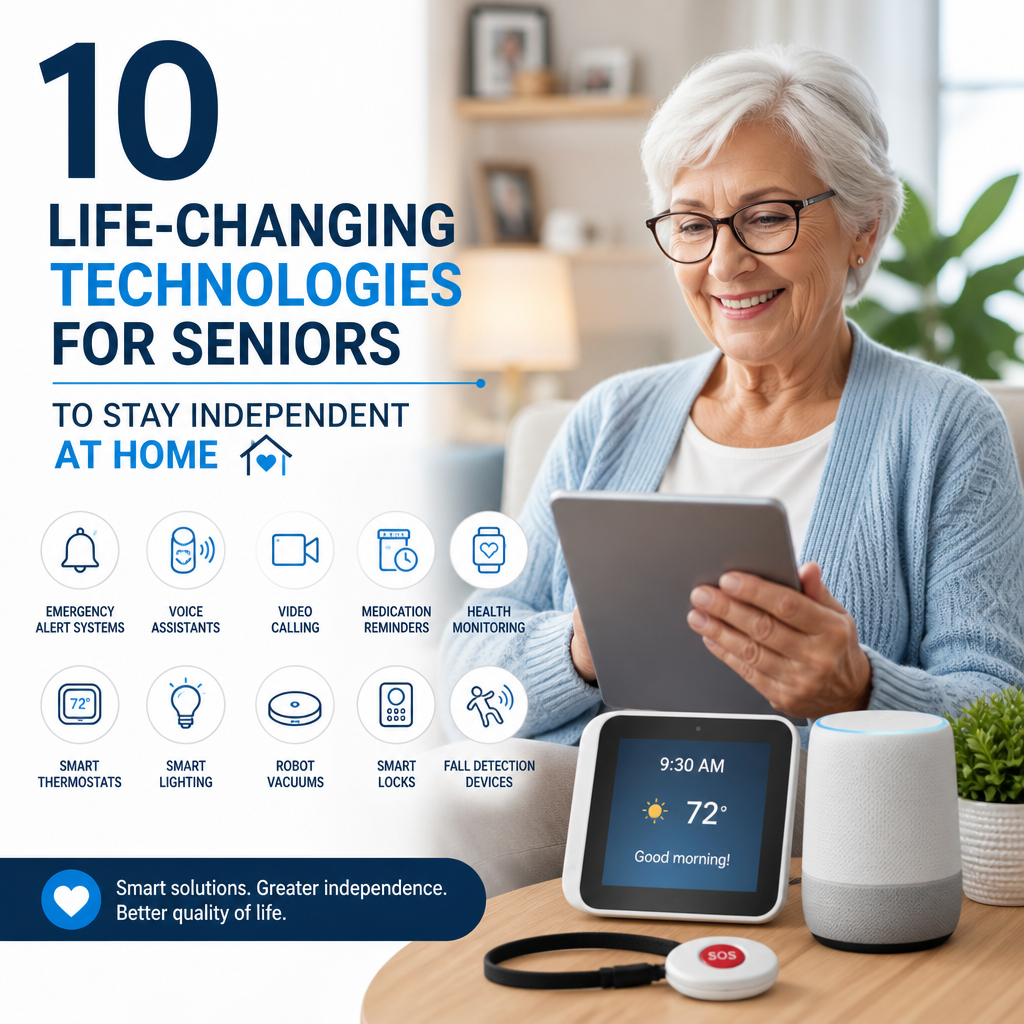
10 Life-Changing Technologies Helping Seniors Stay Independent at Home
Many older adults want to remain in familiar surroundings for as long as possible. Today’s technology can make that easier by supporting daily routines, improving safety, and helping people stay connected with family and care providers.
These tools work best when they fit a person’s needs and are easy to use. Here are 10 technologies that can help seniors live more independently at home.

1. Medical Alert Systems
Wearable pendants, wristbands, and discreet mobile devices let users call for help with the press of a button. Many systems connect to a 24-hour response center, while some can alert selected family members.

Automatic fall detection is available on certain models, though it may not identify every fall. A comfortable device that the user is willing to wear is often more useful than one with the most features.

2. Smart Speakers and Voice Assistants
Voice-controlled speakers can set reminders, answer simple questions, play music, and control compatible lights or thermostats. They can be helpful for people who have difficulty reaching switches or operating small buttons.
Voice assistants can also support daily routines, such as reminders to take medication or attend an appointment. Users should review privacy settings and avoid sharing sensitive information through a device.

3. Smart Lighting
Smart bulbs and motion-activated lights can illuminate hallways, bathrooms, and entryways automatically. Some systems let users turn lights on or off by voice, phone, or a scheduled routine.

Good lighting can make it easier to navigate the home, especially at night. It is still important to place lights carefully and keep walkways clear.
4. Medication Management Devices
Automatic pill dispensers can organize doses and provide an alert when it is time to take medication. Some models lock other doses until the scheduled time or notify a caregiver if a dose is missed.
These devices can reduce confusion, but they do not replace advice from a doctor or pharmacist. Caregivers should make sure the dispenser is filled correctly and suited to the person’s medication plan.
5. Video Calling and Social Connection Tools
Tablets and simplified video-calling devices help seniors talk with relatives, friends, and community groups. Regular contact can ease isolation and make it easier for family members to check in.
For accessibility, look for large text, clear audio, simple controls, and a screen that can be positioned comfortably. A short practice session can help users feel confident before making calls on their own.
6. Remote Health Monitoring
Home devices such as digital blood pressure monitors, smart scales, and glucose meters can record health measurements over time. Some can share readings with a clinician or caregiver, depending on the device and care arrangement.
These tools may help identify changes worth discussing with a health professional. They should not be used to diagnose a condition or replace in-person care when it is needed.
7. Smart Doorbells and Home Security
Video doorbells and smart locks can show who is at the door and allow residents to communicate without opening it. Some systems let an authorized family member help manage access remotely.
Installation and account settings matter. Use strong passwords, keep software updated, and choose who can view recordings or unlock the door.
8. Robotic Vacuums
Robotic vacuums can handle routine floor cleaning, reducing the need to bend, push a vacuum, or carry equipment between rooms. Many models follow a schedule and return to a charging dock automatically.
They work best in uncluttered spaces. Cords, loose rugs, and small objects may need to be moved to prevent jams or tripping hazards.
9. Smart Thermostats
A smart thermostat can maintain a comfortable temperature through schedules, remote controls, or voice commands. Some models can alert a caregiver if the home becomes unusually hot or cold.
Simple controls are especially valuable. Before purchasing, check whether the thermostat is compatible with the home’s heating and cooling system.
10. Transportation and Navigation Apps
Ride-booking services and community transportation apps can help seniors reach appointments, shops, and social activities when driving is no longer practical. Some services provide options for assistance with entering and exiting a vehicle.
Availability and accessibility vary by location. Families can help compare local services, set up payment securely, and practice booking a ride.
Choosing the Right Technology
The best technology is not necessarily the newest or most complex. Consider the senior’s preferences, vision, hearing, dexterity, internet access, and comfort with digital devices. Start with one practical tool, learn how it works, and add more only when they provide clear value.
With thoughtful choices, technology can support safety and everyday independence—while helping seniors remain connected to the people and routines that matter most.