

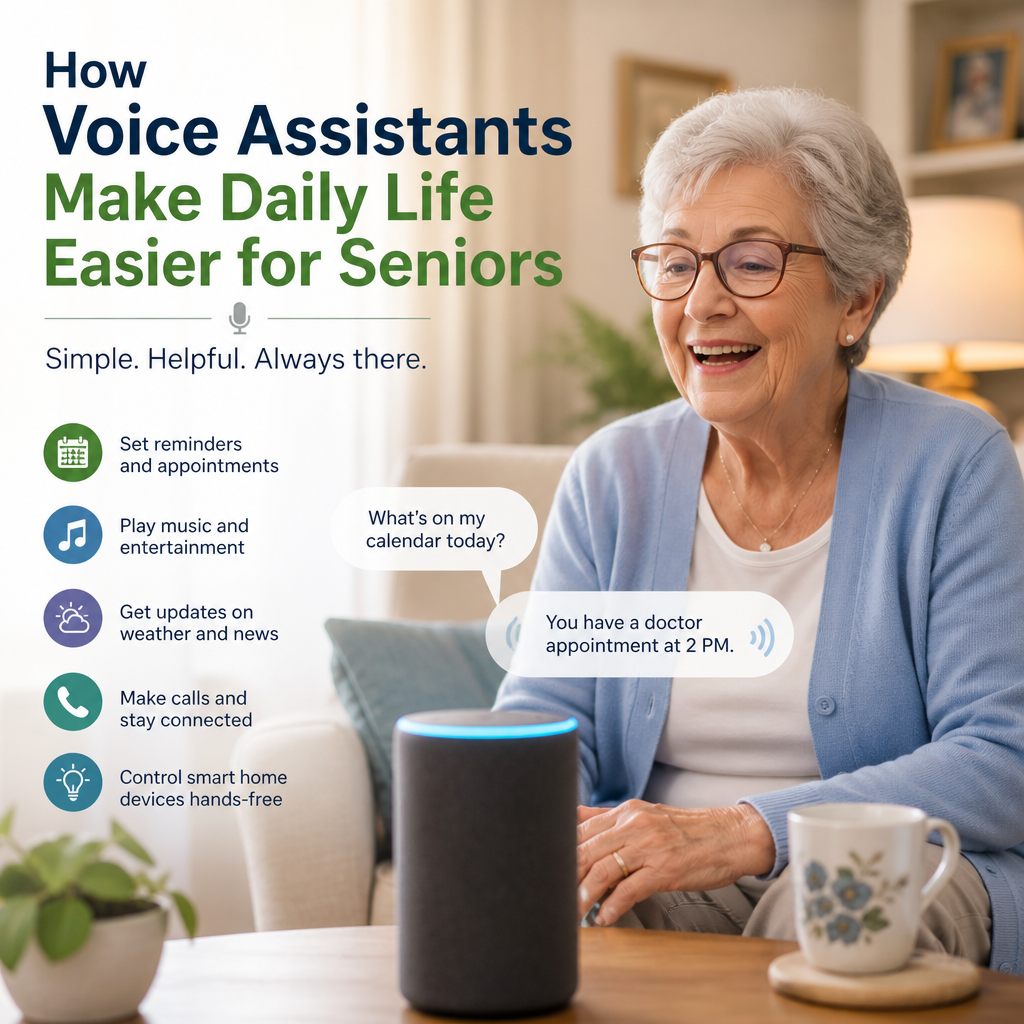
How Voice Assistants Make Daily Life Easier for Seniors
How Voice Assistants Are Making Daily Life Easier for Seniors
A simple spoken request can turn on a light, check the weather, or call a family member. For many older adults, voice assistants are making everyday tasks more convenient without requiring a smartphone screen or complicated controls. Devices such as smart speakers and voice-enabled phones can respond to familiar phrases, helping seniors stay connected, organized, and more comfortable at home.
The technology is not a replacement for personal care or medical support. But when it is set up thoughtfully, a voice assistant can be a useful tool that supports independence and peace of mind.

Everyday Tasks Made Simpler
Small tasks can become more difficult when someone has limited mobility, low vision, or trouble using touchscreens. Voice assistants offer another way to interact with technology: simply speak.

A senior might ask an assistant to:

- Set a timer while cooking
- Check the day’s weather before getting dressed
- Turn compatible lights on or off
- Play music, audiobooks, or the news
- Add an item to a shopping list
- Set reminders for appointments or household routines
These tasks can be especially helpful when a phone is across the room or when using a screen is uncomfortable. A clear, memorable command may be easier than navigating menus or typing.
Helpful Reminders and Routines
Forgetting an appointment or a daily task can be stressful. A voice assistant can provide spoken reminders at chosen times, such as prompting someone to leave for an appointment or take a planned break.

Assistants can also support simple routines. For example, a morning routine might announce the weather, read out calendar events, and start a favorite radio station. An evening routine could turn off connected lights and play relaxing music.

Reminders should be treated as practical prompts, not as a substitute for professional medical advice or a dedicated medication-management plan. If medication timing is critical, seniors and caregivers should choose a reliable system that meets the person’s needs.
Staying Connected With Family and Friends
Voice assistants can make communication easier, particularly for people who find dialing or typing challenging. Depending on the device and its settings, users may be able to place hands-free calls, send messages, or make announcements to other connected devices.
This can help seniors maintain regular contact with relatives and friends. It may also offer a simple way to reach a trusted person when the user cannot easily pick up a phone. Families should confirm how calling works on their chosen device and make sure important contacts are easy to access.
For some households, video calling can add a visual connection. However, it may require more setup and familiarity than a standard voice call, so it is worth practicing together.
Supporting Comfort and Independence at Home
Voice-controlled smart-home devices can reduce the need to move around for certain everyday actions. With compatible equipment, a person may be able to adjust a thermostat, switch on a lamp, or control a television by speaking.
These features can be valuable for someone with arthritis, balance concerns, or limited reach. They may also make it easier to manage the home at night, when walking through a dark room can be risky.
Smart devices should be installed carefully. Voice controls do not replace good lighting, secure rugs, handrails, or other safety measures. Families can start with one useful device, such as a lamp, and add more only if the person finds the system comfortable.
Choosing and Setting Up a Voice Assistant
The best device is one that fits the user’s hearing, speech, vision, comfort level, and budget. Before buying, consider:
- Ease of use: Can the assistant understand the person’s voice and preferred language?
- Sound quality: Is the speaker loud and clear enough for the room?
- Accessibility: Are there options for larger text, volume control, or hearing support?
- Compatibility: Will it work with the devices the senior already uses?
- Privacy settings: Can the user review or delete saved voice recordings?
During setup, use simple device names and practice a few commands together. Place the speaker where it can hear the user clearly, but avoid putting it somewhere that feels intrusive. It also helps to write down common commands in large print and keep the list nearby.
Privacy, Patience, and Personal Choice
Voice assistants often need an internet connection, and some may process or store voice interactions. Review the privacy settings, mute the microphone when desired, and explain what the device can and cannot do. Seniors should be involved in these decisions rather than having technology installed without their consent.
There can be a learning curve. Assistants may misunderstand accents, background noise, or unfamiliar wording. Patience and repetition make a difference, and it is perfectly reasonable to use only the features that feel helpful.
When chosen and set up around a person’s preferences, voice assistants for seniors can make routine tasks easier and bring useful support within easy reach. The greatest benefit comes not from having the newest technology, but from using a few simple features that help someone feel more comfortable, connected, and in control.