

How Voice AI Makes Tech Simpler for Seniors
How Voice AI Is Giving Seniors a Simpler Way to Use Technology
Voice AI is changing how older adults interact with digital devices, turning complex menus and tiny buttons into natural conversations. In this article we explore how voice assistants, natural-language interaction, and thoughtful design make everyday technology easier and more enjoyable for seniors—while stressing that older adults should help shape the tools they use.
What voice AI looks like for everyday use
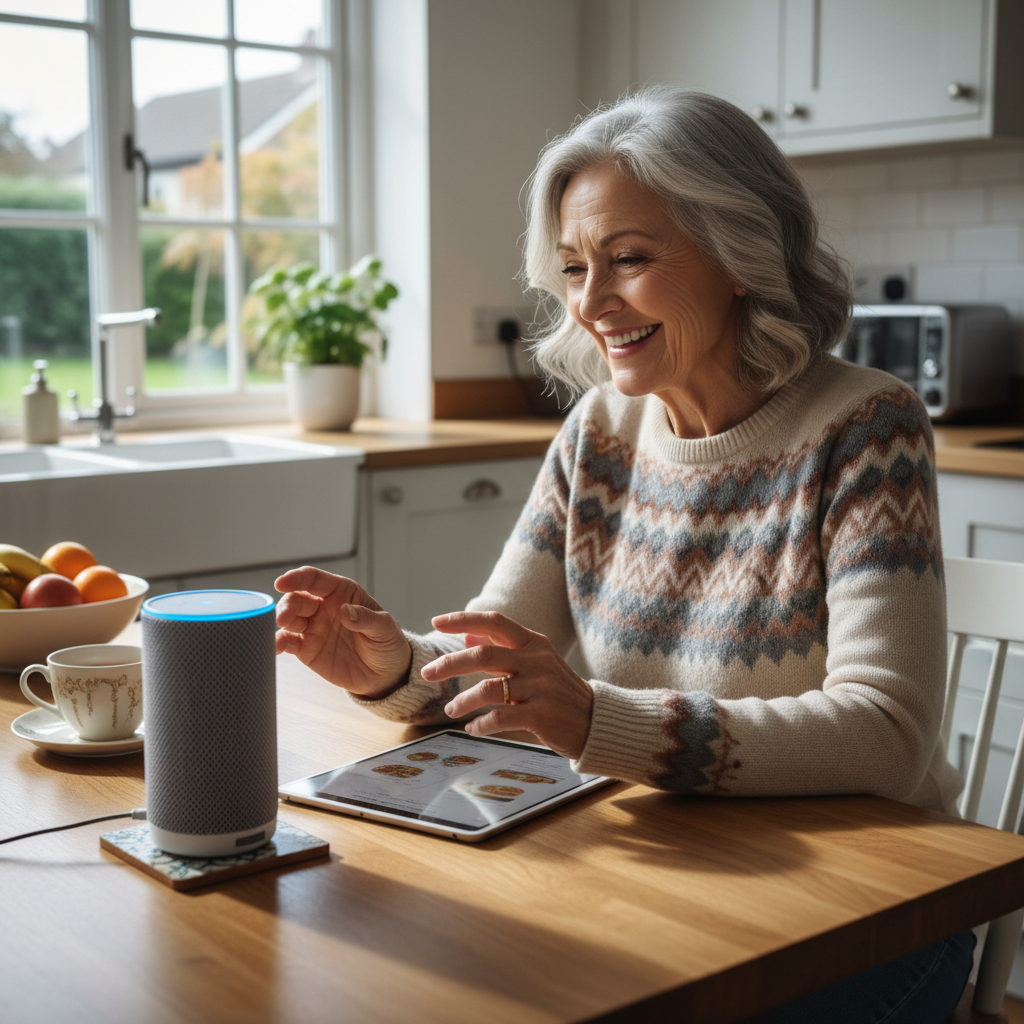
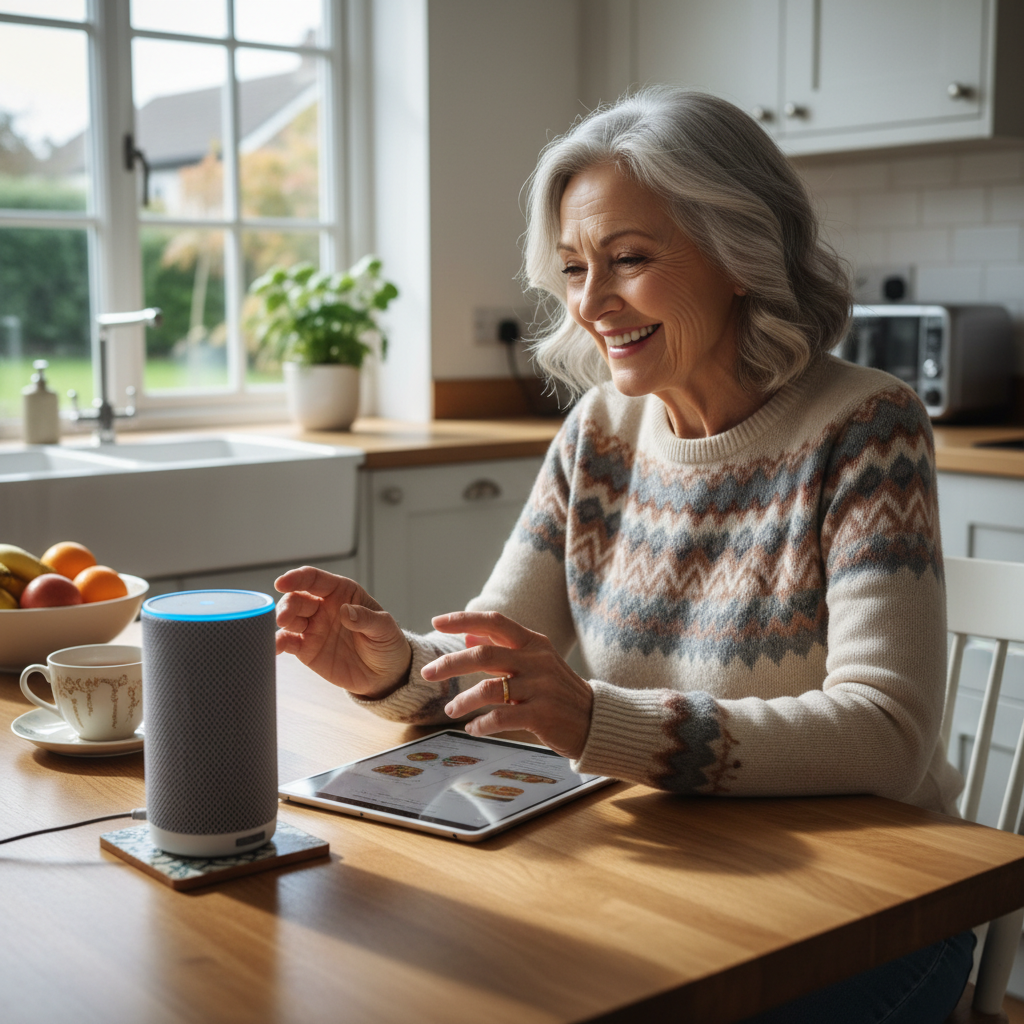
At its core, voice AI lets someone speak to a device and get an answer or action back. Instead of tapping an app or searching through menus, a person can say things like, “Play my favorite radio station,” or “Find the recipe for chicken stew.” For many older adults, that one change—talking instead of navigating—lowers the barrier to trying new tech.

Simple, natural-language interaction
Natural-language interaction means the system understands everyday speech, not special commands. Seniors can use their own words and phrasing, which feels more intuitive. For example, someone might say, “Remind me to call my friend on Thursday,” and the assistant sets the reminder without needing exact phrases or button presses.

Practical everyday uses that build confidence
Voice AI supports many tasks that appear small but matter a lot in daily life:

- Making and receiving hands-free calls or sending voice messages.
- Playing music, audiobooks, or the news without searching through apps.
- Searching for information—weather, recipes, or how to fix a small issue—by asking aloud.
- Controlling simple smart devices like lights or the radio with a short phrase.
- Translating a short phrase into another language or reading aloud text from a photo.
Each of these actions helps a person feel more capable with technology. As confidence grows, seniors often try more features, and families see technology become a tool for connection rather than a barrier.
Easy examples seniors can try today
Here are small, concrete examples that show the simplicity of voice interaction:

- “Hey Assistant, play jazz.”
- “Set a 10-minute timer.”
- “Call Maria.”
- “Read me today’s headlines.”
Devices sometimes have model numbers or simple codes to help people identify them—examples like 478, 447, 469, 287, and 479 are easy numeric labels families can use to match a speaker to a room or a profile. Short, memorable numbers or names make technology less intimidating.

Accessibility and design: why words, tone, and choice matter
Good voice AI design focuses on accessibility: clear speech recognition, adjustable speaking speed, and simple confirmation prompts so users know actions were completed. Designers should consider:
- Clear, friendly voices that don’t talk too fast.
- Customizable wake words and volume settings.
- Easy ways to undo or repeat commands.
- Visual or tactile feedback for those who prefer it alongside voice.
These features reduce frustration and make technology more inclusive for people with different hearing or language needs.
Why seniors should help shape voice AI
Technology works best when its users are part of the design process. Seniors bring decades of daily-life experience and can point out what’s useful, confusing, or missing. When older adults are involved, products tend to be more practical and respectful of real needs.
Ways seniors can participate
- Join product feedback groups or community co-design sessions.
- Take part in simple usability tests—talk through tasks while designers watch and listen.
- Share real examples of language and phrasing they naturally use.
Designers who listen to seniors learn which terms are intuitive, which menu structures are confusing, and which features should be optional or default. That input directly improves natural-language interaction and overall usability.
Getting started: tips for families and caregivers
If you’re helping a senior try voice AI, keep the first steps simple and social. Try one short task at a time, celebrate successes, and pick device names or numeric labels (like the simple codes above) that are easy to remember. Allow the person to set the pace and choose the voice and wake word they prefer.
Conclusion: simpler tech through better conversation
Voice AI turns conversation into capability. By replacing menus with spoken language, making features adjustable, and involving seniors in design, technology becomes more approachable and useful. The more we listen to older adults—about words, tone, and real-life needs—the better voice AI will serve everyone.