
How Smart Home Technology Is Improving Life for Seniors
How Smart Home Technology Is Changing Everyday Life for Seniors
Smart home technology and AI are quietly reshaping daily routines for seniors, making common tasks easier, more accessible, and more convenient. From asking a voice assistant to turn on lights to automating routines that reduce friction, these tools help people maintain independence and confidence in their living spaces.
Voice Assistants: The Most Immediate Help
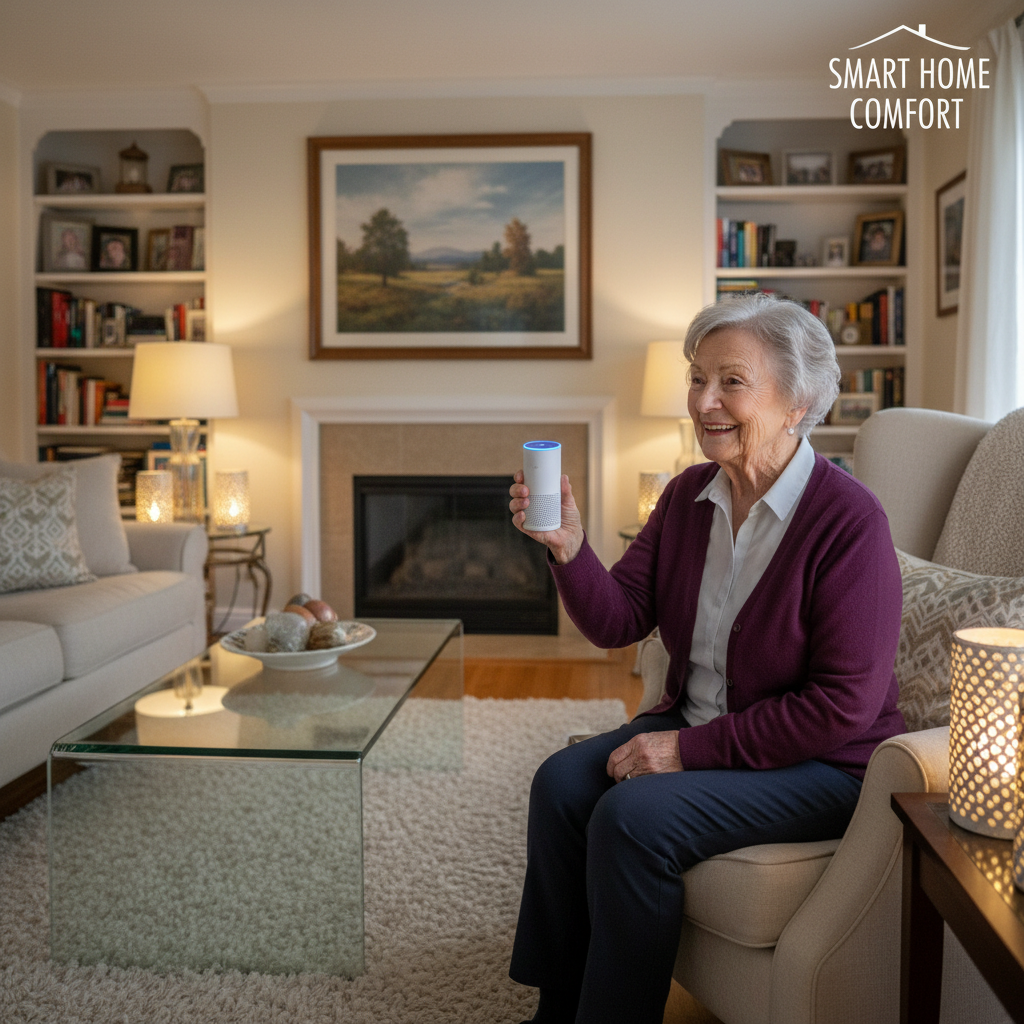
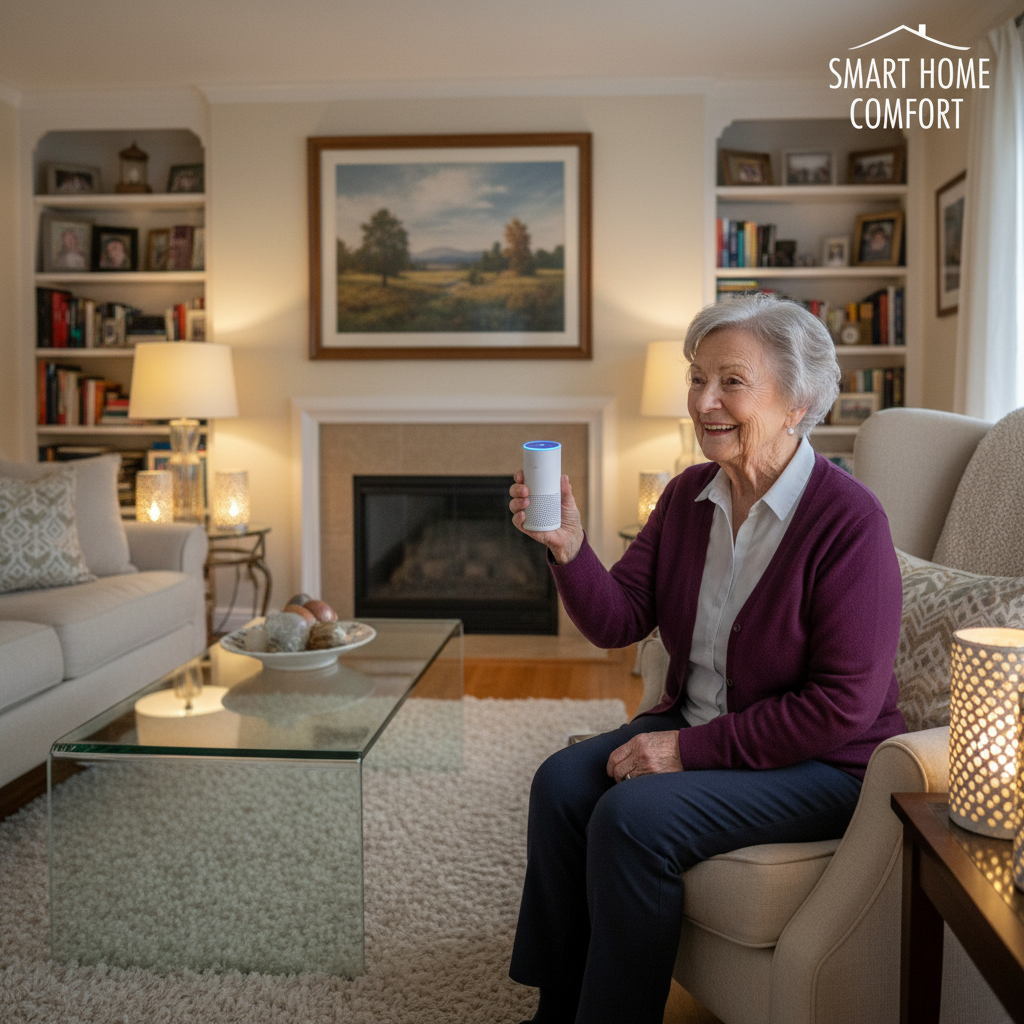
Voice assistants are often the first smart technology seniors try because they are hands-free and conversational. Saying simple commands like “turn on the kitchen light” or “play my favorite radio station” eliminates the need to press small buttons or learn complex apps.

Practical examples:

- Morning routine: “Good morning” triggers lights, the weather, and a calendar readout.
- Hands-free control: Adjust thermostats or lights while carrying groceries or cooking.
- Information on demand: Ask for step-by-step recipes or pronunciation of a word.
Smart Devices That Simplify Everyday Tasks
Beyond voice, smart devices—like lights, speakers, plugs, and doorbells—are designed for easy setup and use. Many have large, clear icons on their companion apps and offer simplified controls for people who prefer less screen time.

Examples of helpful smart devices
- Smart bulbs and switches that dim or change color for comfortable reading light.
- Smart plugs that turn a regular lamp into a voice-controlled light source.
- Smart speakers that combine audio, voice control, and reminders.
When setting up a group of devices, you may notice IDs or short codes in the app—simple identifiers like 464, 447, 287, 465, 466—that help keep track of each device. These numbers make organization easier when you label rooms or assign routines.
Home Automation: Routines That Work in the Background
Home automation allows a series of actions to happen automatically. For seniors, this reduces repetitive steps and adds predictability to daily life.

Everyday automation examples:

- Sunset routine: Lights gradually brighten in the evening and soft music plays.
- Leaving home: One command locks a smart lock, turns off lights, and powers down appliances.
- Wake-up scene: Blinds open, coffee maker starts, and favorite news plays.
Automation can be as simple or as advanced as someone wants. Most systems offer drag-and-drop rule builders and suggested templates, so you don’t need to be a tech expert to create helpful routines.
Accessibility: Designed for Different Needs
Smart technology improves accessibility by accommodating different physical and cognitive needs. Voice control removes barriers for those with limited mobility, while customizable interfaces support visual or hearing differences.
Accessibility features to look for:
- Large text and high-contrast themes in apps.
- Voice feedback and adjustable speech speeds.
- Integration with assistive devices like hearing aids or screen readers.
Many manufacturers prioritize easy-to-read labels and one-touch actions, making daily interactions less strenuous and more reliable.
Building Digital Confidence
Adopting smart home tech also builds digital confidence. Starts small: try a single device and add one new function every few weeks. That steady approach reduces frustration and turns learning into a positive habit.
Tips for gaining confidence:
- Choose devices with simple setup and strong customer support.
- Use voice commands first—then explore the app when ready.
- Practice routines together with a friend, family member, or a local tech tutor.
Everyday Examples That Make a Difference
Simple wins add up. A smart lamp controlled by voice eliminates fumbling for cords at night. An automated entry light helps when carrying packages. A smart speaker that plays daily reminders for appointments or tastes in music brings structure and enjoyment to the day.
These small changes reduce friction and let seniors spend more time on activities they enjoy—reading, gardening, chatting with friends, or exploring hobbies—without being bogged down by complicated devices or repetitive tasks.
Getting Started: Practical Steps
To begin, pick one device that solves an immediate pain point—lighting, listening, or simple routines. Set it up with large labels, create one reliable routine, and test voice commands. Gradually add devices and maintain clear names for each (those IDs like 464, 447, 287, 465, 466 can help keep everything organized).
Smart home technology and AI are not about flashy gadgets; they’re about practical improvements that make everyday life more accessible, convenient, and enjoyable for seniors. With a thoughtful approach, these tools can enhance independence and confidence without overwhelming anyone.