

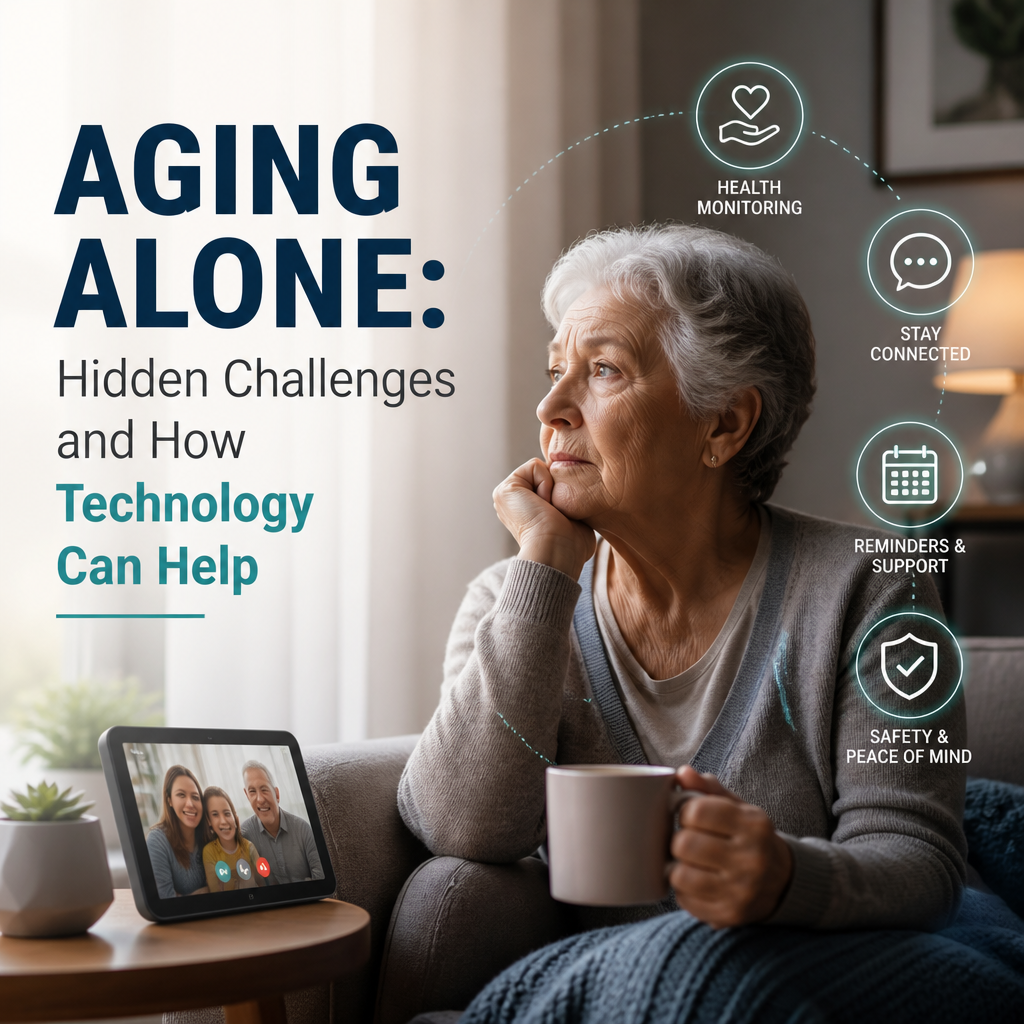
Aging Alone: Hidden Challenges and How Technology Can Help
The Hidden Challenges of Aging Alone and How Technology Can Help
Growing older alone does not necessarily mean being lonely or unable to live independently. Many older adults value the freedom of making their own choices and staying in a familiar home. But aging alone can bring practical and emotional challenges that are easy to overlook—especially when there is no nearby family member to notice a problem or lend a hand.
Technology cannot replace human connection or professional care. Used thoughtfully, however, it can make daily life safer, more manageable, and more connected.

The Challenges People May Not See
Small tasks can become bigger obstacles
A loose stair rail, a heavy grocery bag, or a confusing medication schedule may seem minor. Yet when no one is available to help, small difficulties can affect a person’s confidence and ability to manage daily routines. A missed appointment or an unpaid bill may also go unnoticed until it creates a larger problem.

Emergencies can happen without warning
A fall, sudden illness, or power outage is frightening for anyone, but the risk can feel greater when someone lives alone. If a person cannot reach a phone or explain what has happened, getting help may take longer.

Isolation can build gradually
Living alone is not the same as feeling lonely, but reduced mobility, retirement, the loss of friends or a partner, and fewer social activities can shrink someone’s daily interactions. Because this change often happens slowly, the person and their loved ones may not recognize its effects right away.
Asking for help can feel difficult
Some people worry that accepting support will cost them independence. They may avoid telling family or friends when they are struggling, especially if they do not want to seem like a burden. This can make it harder to address problems early.

How Technology Can Support Independent Living
Make it easier to call for help
A personal emergency response system may let someone contact a monitoring service or trusted contact with the press of a button. Some devices can detect a fall automatically, though no fall-detection system is perfect. Before choosing one, check whether it works at home and outdoors, how it is charged, and whether it requires a subscription.

A mobile phone kept within reach is also valuable. Large buttons, voice controls, emergency contacts, and accessibility settings can make it easier to use.
Reduce everyday risks at home
Smart-home tools can address specific safety concerns. Examples include:
- Motion-activated lights to reduce the risk of tripping at night
- Video doorbells or smart locks to help screen visitors
- Stove timers or automatic shut-off devices to limit fire risks
- Voice assistants for reminders, calls, or simple hands-free controls
The best setup is usually a small one that solves a real problem. Too many devices can create confusion, extra costs, and new tasks to manage.
Help with medication and appointments
Digital calendars, medication reminder apps, and automated pill dispensers can support routines. Some tools can also share missed-dose alerts with a designated caregiver, but privacy settings should be reviewed carefully. Technology can prompt and organize; it should not replace a clinician’s advice or a pharmacist’s guidance.
Keep social connection within reach
Video calls and messaging make it easier to stay in touch when travel is difficult. Online classes, hobby groups, and local community platforms can also help people find activities and meet others with shared interests.
For some people, a simple phone call is more comfortable than an app. The most useful technology is the kind someone feels confident using—not necessarily the newest device.
Make Technology Work for the Person
Start by asking what feels difficult, rather than buying a collection of gadgets. A person who struggles with balance may benefit more from better lighting and a home safety assessment than from a complex smart-home system. Someone who feels isolated may want regular calls or a local activity, not another notification.
When setting up a device:
- Choose tools with clear controls and reliable customer support.
- Practice using them together, including what to do if they stop working.
- Check costs, internet requirements, battery life, and data privacy.
- Revisit the setup as needs and preferences change.
Independence Includes Accepting Support
Aging alone can involve risks that are hidden behind a familiar routine. Thoughtful technology can help people stay safer, remember important tasks, and maintain relationships—but it works best alongside human support. Regular conversations with friends, neighbors, health professionals, and community services remain essential.
The goal is not to monitor every moment. It is to make everyday life easier while preserving dignity, choice, and connection.